Todoist Review 2026: Free Plan, Pro Price, Pros and Cons
Todoist is the to-do app many people try first. Here is what the free Beginner plan really covers, what Pro adds for $60 a year, how the new AI tools work, and who should pick something else.
Todoist is a clean, fast task manager with apps on almost every device and a free plan that is fine for one person with a few projects. The free plan stops at 5 personal projects and 3 filters, has no calendar layout and only automatic reminders. Pro costs US$60 a year ($5 a month) or $7 billed monthly. If you want a simpler daily list with a private diary beside it, RytePad is a lighter option.
 By RytePad StaffPublished

This Todoist review looks at the app the way most people start with it: as a free to-do list on your phone, laptop or watch. In 2026 it added voice capture, AI that turns notes into tasks, and a redesigned Quick Add. If you are weighing it against its closest rival, our Todoist vs TickTick comparison puts the two side by side.
The question here is simpler: how far does the free plan go, and is Pro worth $60 a year? Everything below comes from Todoist's own pricing page, help centre and 2026 changelog, checked on 11 Nov 2026.
Todoist at a glance: Beginner plan vs Pro
Todoist Beginner
Best if you want a tidy personal list with a handful of projects.
- 5 personal projects, 3 filter views
- List and board layouts
- Recurring due dates, labels, sub-tasks, templates
- Automatic reminders, 1 week of activity history
Todoist ProFull app
Best if you plan your days on a calendar and want reminders at set times.
- 300 personal projects, 150 filter views
- Calendar and table layouts, task duration, deadlines
- Custom, location and recurring reminders
- Unlimited Ramble, Task Assist and Email Assist
Todoist features: what works and what to watch
Five areas decide whether Todoist fits you. Each ends with a one-line verdict.
1Adding and organising tasks
The core is strong on every plan. Due dates and times, priority levels, sub-tasks, labels, task descriptions and recurring due dates are all free. Smart Quick Add is on the free plan too, and an 8 Oct 2026 update lets you capture several tasks at once and suggests splitting one long entry into separate tasks.
Free accounts are limited to 5 active personal projects, so anyone who likes one project per area of life runs out quickly. Task duration and deadlines are Pro only. If your list keeps growing, our guide on how to write a to-do list you will actually finish may help more than extra projects.
2Views and planning
List and board layouts are free, so you can run a simple Kanban board without paying. Pro adds a calendar layout and a table layout, plus time-blocking. Priority levels also map neatly onto the Eisenhower Matrix if you sort tasks by urgent and important.
The calendar layout is not on the free plan at all, and the free plan keeps only 1 week of activity history. Free accounts get 3 custom filter views, against 150 on Pro.
3Reminders
Every plan gets automatic reminders: give a task a date and a time, and Todoist adds a reminder based on your settings, by mobile, desktop or email notification. Pro adds custom reminders at any time you choose, reminders that repeat, and location reminders that fire when you reach a place.
On the free plan you cannot add a reminder for a separate time, such as "the evening before". Todoist's plan FAQ lists custom, time-based, location and recurring reminders as Pro features.
4AI features
Ramble lets you speak freely while Todoist turns what you say into tasks in real time; saying "that's all" ends the session. Task Capture Assist turns photos, pasted text or PDFs into a task list you review before saving. Filter Assist is listed on every plan.
Beginner accounts get up to 10 sessions a month, shared between Ramble and Task Capture Assist. Task Assist and Email Assist, which forwards emails into tasks, are Pro only.
5Sharing and platforms
Todoist has apps for Windows, Mac, Linux, iPhone, iPad, Android, Apple Watch and Wear OS, plus browser extensions and email add-ons, all synced. You can share a personal project with up to 5 people, assign tasks and leave comments on every plan, and 90+ integrations are listed for free accounts too.
There is no habit tracker or focus timer built in. If you want those in the same app, our TickTick review covers an app that has both. Team workspaces need the Business plan.
Todoist Beginner vs Pro: comparison table
| Feature | Beginner | Pro |
|---|---|---|
| Price | $0 | $60 a year, or $7 a month |
| Active personal projects | 5 | 300 |
| People per personal project | 5 | 5 |
| Custom filter views | 3 | 150 |
| Activity history | 1 week | Full |
| Recurring dates, labels, sub-tasks, templates | ✓ | ✓ |
| List and board layouts | ✓ | ✓ |
| Calendar and table layouts | ✗ | ✓ |
| Task duration and deadlines | ✗ | ✓ |
| Reminders | Automatic only | Custom, recurring and location too |
| Ramble and Task Capture Assist | 10 sessions a month | Unlimited (fair use) |
| Task Assist and Email Assist | ✗ | ✓ |
| Daily automatic backups | ✗ | ✓ |
| Themes | 4 | 8 |
From Todoist's pricing page and plans FAQ. Prices checked 11 Nov 2026.
Todoist pricing: is Pro worth $60 a year?
Todoist's pricing page lists Pro at US$5 a month billed as $60 a year, or $7 a month billed monthly. So the yearly plan saves $24 a year over paying monthly. Todoist's plan FAQ mentions a 7-day free trial of Pro.
A yearly Pro plan can be refunded in full within 30 days of purchase or renewal; App Store purchases are refunded through Apple. Monthly payments are not refunded unless local consumer law requires it. The Business plan for teams costs $8 per user a month billed yearly, or $10 monthly.
Privacy and security: encrypted at rest on AWS
Todoist's security policy says data travels over TLS 1.2 and 1.3, and that projects, tasks, comments, account and payment information are stored on Amazon Web Services and encrypted at rest. Todoist also lists SOC2 Type II compliance on every plan.
The security page does not describe end-to-end encryption. That is normal for a synced task app with sharing and AI features, but worth knowing if you plan to keep private notes in task descriptions.
Todoist pros and cons
- Clean design that stays out of the way
- Apps for Windows, Mac, Linux, iOS, Android and watches
- Free plan includes recurring dates, labels and templates
- Board layout and sharing with up to 5 people on free
- Voice and photo capture through Ramble and Task Capture Assist
- Frequent updates, with a weekly changelog
- Free plan: 5 projects and 3 filters
- No calendar layout without Pro
- Custom reminders need Pro
- No habit tracker or focus timer
- No end-to-end encryption described
- No diary or journal
A simpler, private option: RytePadAlternative
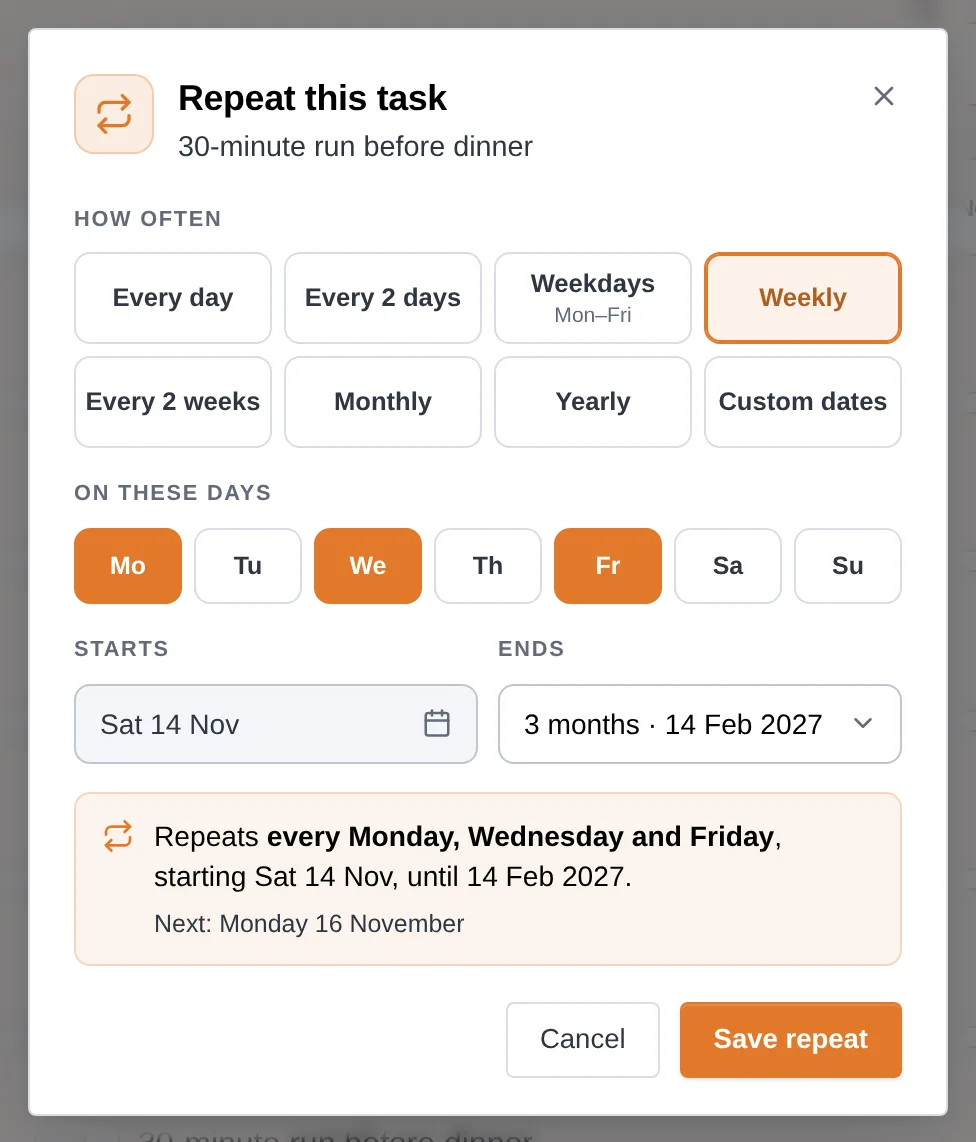
Todoist organises work into projects. If you mostly want to write today's tasks, tick them off and keep a few private notes, RytePad is the lighter choice. Its daily to-do list sits next to a private Diary, Goals, Checklists and Notes, all encrypted with AES-256.
The free plan allows 25 tasks a day, 5 repeating tasks and 5 reminders at a time, and 5 focus timers a day. Pro costs $14.97 a year and removes the limits. You can also install RytePad from your browser so it opens in its own window, like an app.
Being honest about the limits: RytePad is a web app with no native apps. Its reminders come at the time you set on a task, plus a morning and an evening summary, each as a notification on your phone or computer, an email, or both. It has no calendar or board views, no AI tools, no templates and no shared projects or team workspaces. If you need those, Todoist does more.
Want a simpler daily list?
Tasks, a private diary, goals, checklists and notes in one encrypted account. Nothing to install.
Todoist strengths and weak spots
- Task featuresPriorities, labels, sub-tasks and recurring dates, free.Strength
- PlatformsDesktop, phone and watch apps, plus extensions.Strength
- Ease of useA calm design that is quick to learn.Strength
- Free planUsable, but 5 projects and no calendar layout.Mixed
- Value$60 a year buys calendar, reminders and AI.Mixed
- PrivacyEncrypted at rest, no end-to-end encryption described.Weak spot
Who should use Todoist, and who should not
Choose Todoist if…
you want a clean task manager on every device you own, like to sort tasks into projects and labels, share a few lists with family, and would pay $60 a year for a calendar layout and reminders at set times.
Visit TodoistLook elsewhere if…
you want habits and a focus timer in the same app, a private journal beside your list, or a richer free calendar. TickTick builds in habits and a Pomodoro timer, and our list of Todoist alternatives covers more options.
Todoist review: your questions answered
Is Todoist free?
Yes. Todoist's Beginner plan is free with no time limit. It allows 5 personal projects, 3 filter views and 1 week of activity history, and includes recurring due dates, labels, sub-tasks, templates, list and board layouts and automatic reminders.
How much is Todoist Pro?
Todoist Pro costs US$60 a year, which works out at $5 a month, or $7 a month if you pay monthly. Todoist's plan FAQ mentions a 7-day free trial. Prices were checked on 11 Nov 2026.
Does the free Todoist plan have a calendar view?
No. The calendar and table layouts are Pro features. The free Beginner plan includes the list and board layouts.
Does Todoist have AI features?
Yes. Ramble turns speech into tasks, and Task Capture Assist turns photos, pasted text or PDFs into tasks. Free accounts get up to 10 sessions a month between the two; Pro is unlimited within fair use. Task Assist and Email Assist are Pro only.
Is Todoist private and secure?
Todoist says data is sent over TLS, hosted on Amazon Web Services and encrypted at rest, and it lists SOC2 Type II compliance. Its security page does not describe end-to-end encryption.
What happens to my tasks if Pro ends?
Todoist says you keep all your tasks, projects and comments. Projects above the 5-project limit become view-only until you archive some or upgrade again, activity history drops to 7 days, and automatic backups stop.
Final verdict: a clean all-rounder, best with Pro
Todoist is one of the easiest task managers to live with: quick, tidy and on almost every device. The free plan suits a personal list with a few projects. If you plan on a calendar or need reminders at set times, $60 a year for Pro is fair. If you want fewer moving parts, a private diary beside your list and a lower price, RytePad is the simpler route.
A daily list, a private diary and notes, without the clutter
One encrypted account that is ready the moment you sign in. Free to start.
Try RytePad free →Free plan with no time limit · No card · Works in any browserSources
- Todoist. Plans and pricing. Checked 11 Nov 2026.
- Todoist Help Center. Todoist plans, pricing, and billing FAQ. Checked 11 Nov 2026.
- Todoist Help Center. 2026 Changelog. Checked 11 Nov 2026.
- Todoist Help Center. Dictate to add tasks with Ramble. Checked 11 Nov 2026.
- Todoist Help Center. Introduction to reminders. Checked 11 Nov 2026.
- Todoist Help Center. Request a refund and Cancel a Todoist subscription. Checked 11 Nov 2026.
- Todoist. Download apps. Checked 11 Nov 2026.
- Todoist. Security policy. Checked 11 Nov 2026.
- RytePad. Pricing, Features, User guide and What's new. Checked 11 Nov 2026.