Long-term goals that sit next to your daily list, month-by-month targets for the near future, and an achieved list that becomes a record of what you've done.
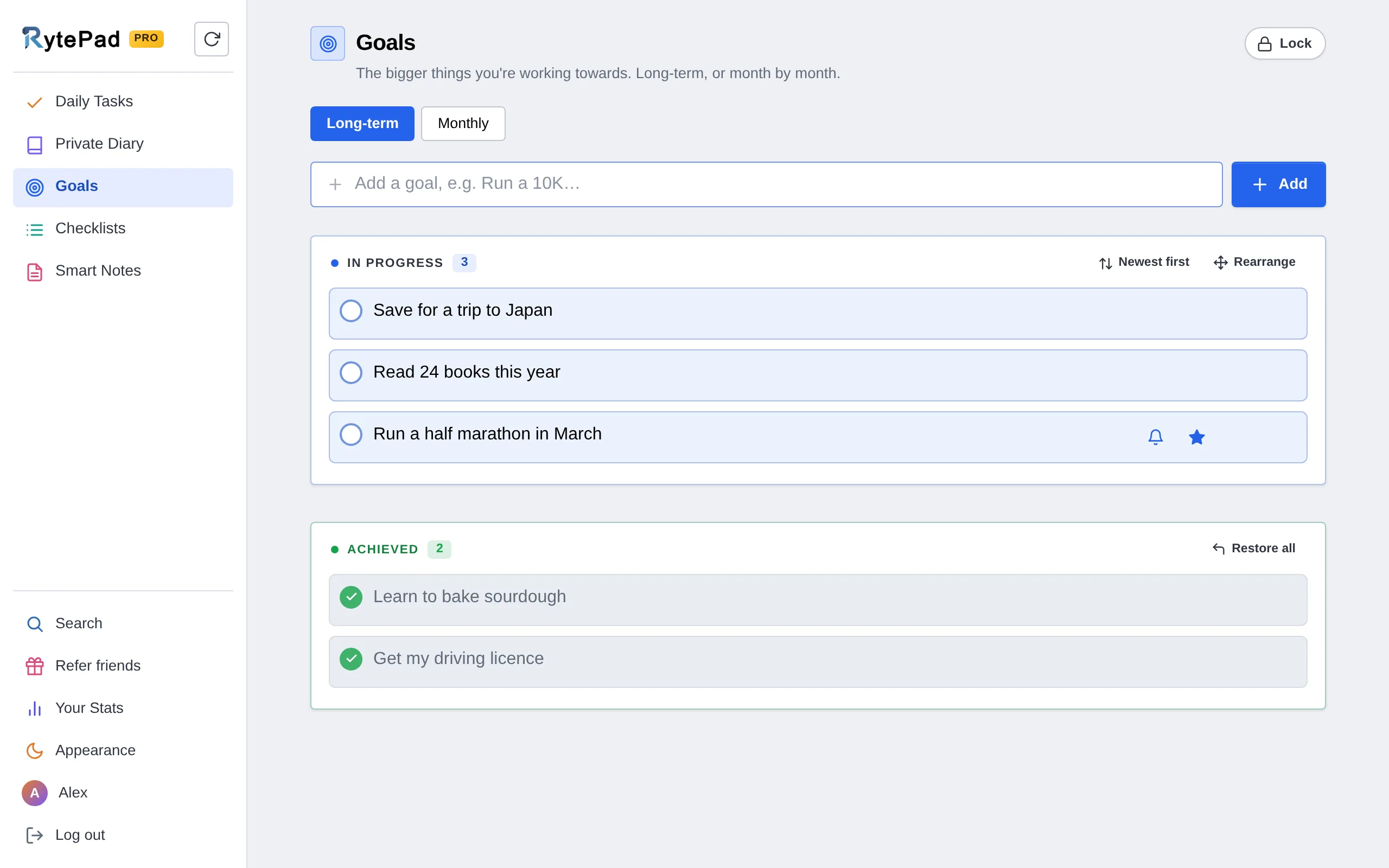
Goals written in January and never looked at again rarely get reached. RytePad keeps yours one tab away from the list you open every day, so the big things stay in view while you work on the small ones. Research on writing down goals points the same way: the strongest evidence is for tracking your progress.
Five steps, in the order you will use them.
Open Goals, type it into the box and press Enter. Keep it concrete: "Run a 10K under 60 minutes" rather than "get fit". When you reach it, click the circle: the goal moves to Achieved and stays there as a record. Restore it if you were early.
40 long-term goals on the free plan · unlimited on Pro
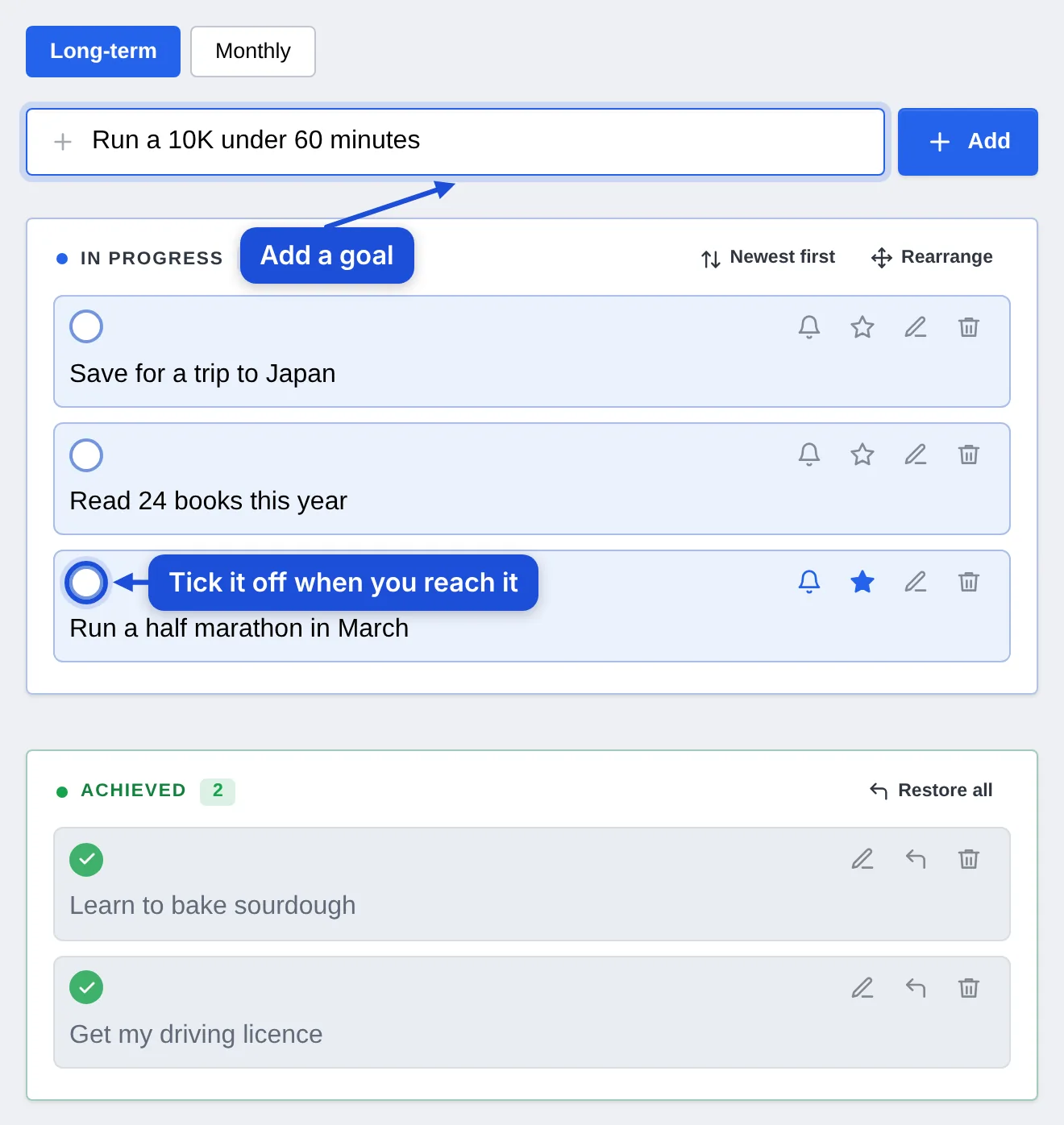
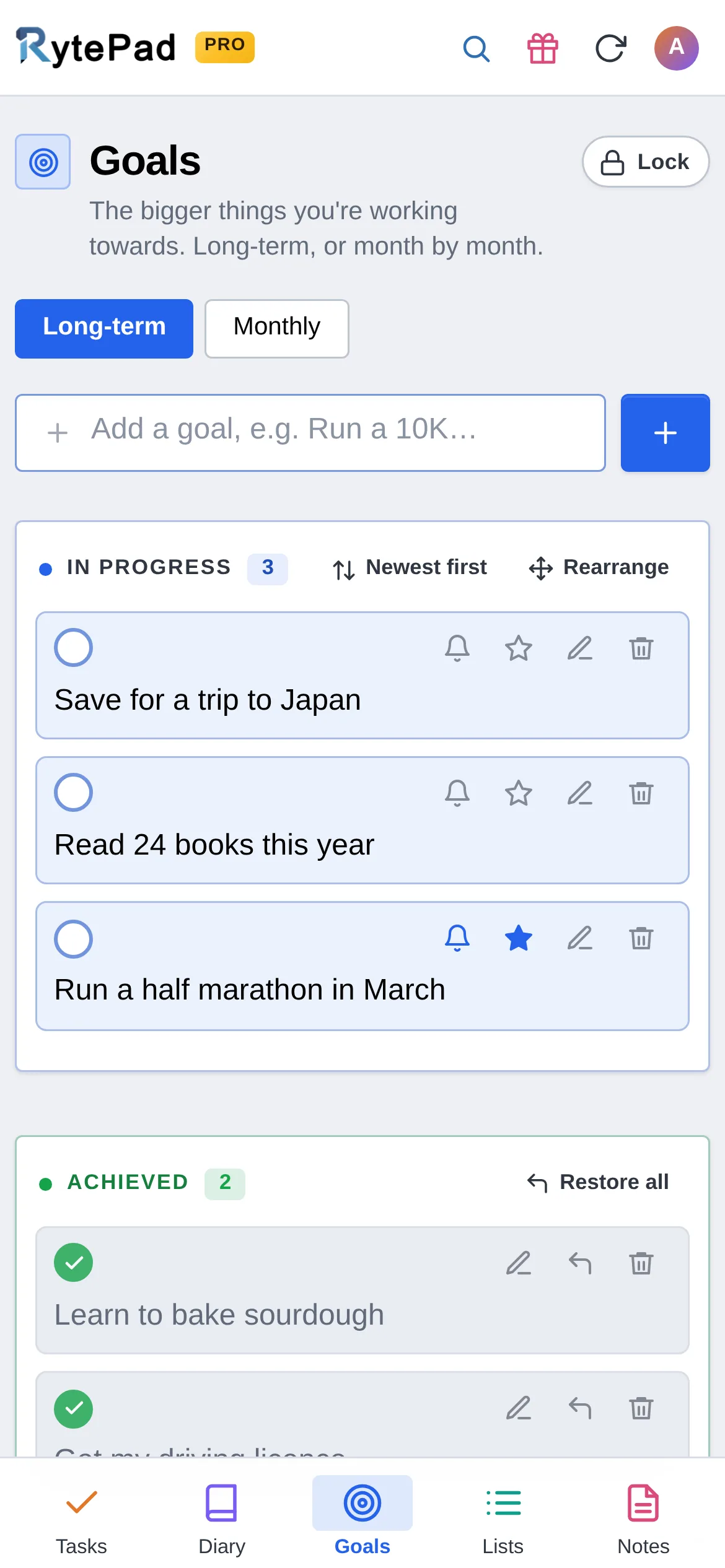
Goals sit one click from today's list, in the same sidebar. Star the one that matters most, put the rest in order with Rearrange, and edit the wording as a goal gets clearer. The bell on a goal sets a reminder: once on a date, every few days, weekly or monthly, as a notification on your phone or computer or as an email.

On the Monthly tab, pick a month and add the targets for it. Each month keeps its own list, so a big goal turns into steps you can finish this month.
Monthly goals: Pro

Open the month picker to plan ahead or look back. Months with goals carry a dot: orange while some are still to do, blue once all are achieved.

Your Stats shows how many long-term goals you have achieved and how this month's goals are going. Deleted a goal by mistake? Undo brings it back, and Recently Deleted keeps it for a while.

A long-term goal becomes doable when this month has its own targets. Monthly goals are part of Pro, $14.97 a year, along with unlimited goals, carry-over of unfinished tasks, unlimited checklists and notes, and more.
See what Pro includes40 long-term goals on the free plan, counting in progress and achieved; unlimited on Pro. Monthly goals are a Pro feature.
Long-term goals have no date and stay until you achieve or delete them. Monthly goals belong to a chosen month and year, each month with its own list.
No. Each month is its own list; add what is still relevant to the new month.
Click Undo in the message that appears. If that has gone, open Account → Recently Deleted and click Restore: deleted goals wait there for 1 hour on the free plan and 48 hours on Pro.
Yes. The arrow button moves it back to in progress.
Five tools, one login, one search across all of them. The pricing page has the Free vs Pro table.
Free, private, and ready in under a minute. No card, no time limit.