
Plan each day in RytePad: a list for every date, a focus timer for the hard part, reminders morning and evening, and your goals and diary one click away. It runs in the browser on your phone and computer.
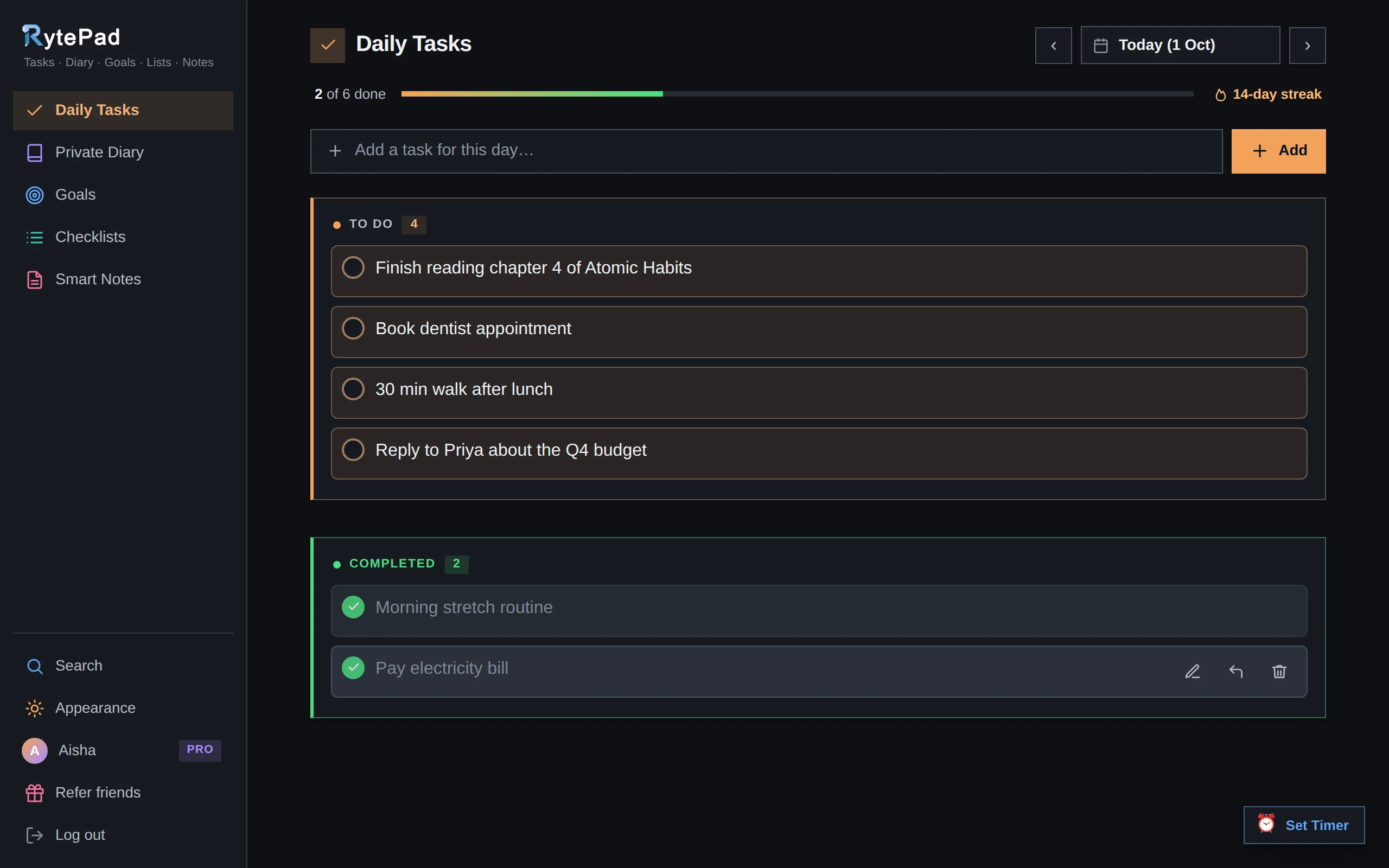
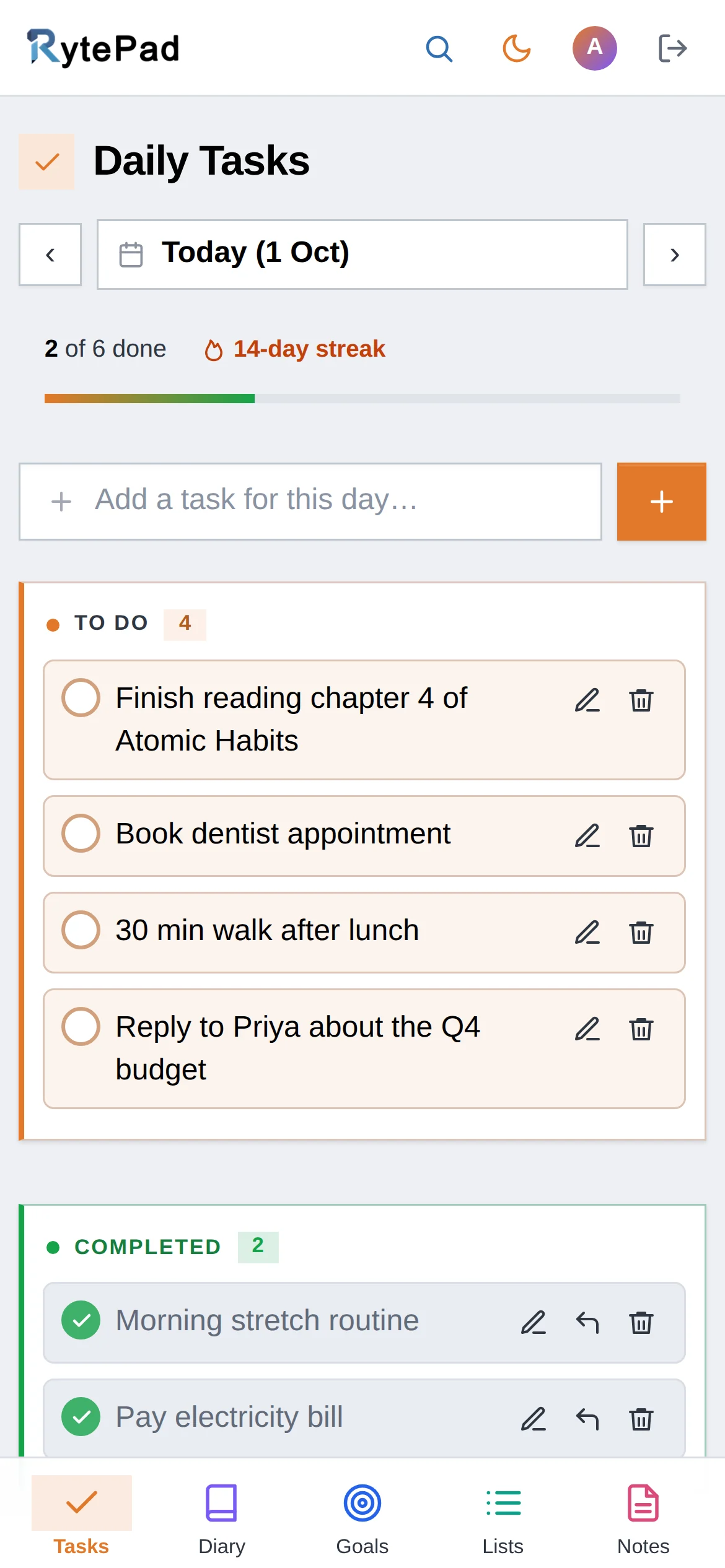
A daily planner should answer one question each morning: what is today for? RytePad keeps that simple. Every date has its own to-do list, so today's plan never drowns in everything you might do someday, and tomorrow's plan can be ready before you go to bed.
It plans by the day, not by the hour. There are no time slots to fill in: you get a short list, a way to focus and gentle reminders, with your goals and a private diary in the same app.
Four steps, most of them done the evening before.
Open tomorrow with the arrow next to the date and add three to five tasks. Tasks added to a future date wait on that day, and an optional email reminds you at 6:30 AM.
Star the task that would make the day a success. It gets a coloured edge, and Rearrange puts the rest in the order you'll do them.
Start the focus timer for 25 minutes, or any length up to 999, and work on the starred task. The alarm rings when time is up, even if RytePad is in a background tab.
At 6:30 PM an optional email lists what is still open. Tick off what's done, plan tomorrow, and write a line in your diary about how the day went.
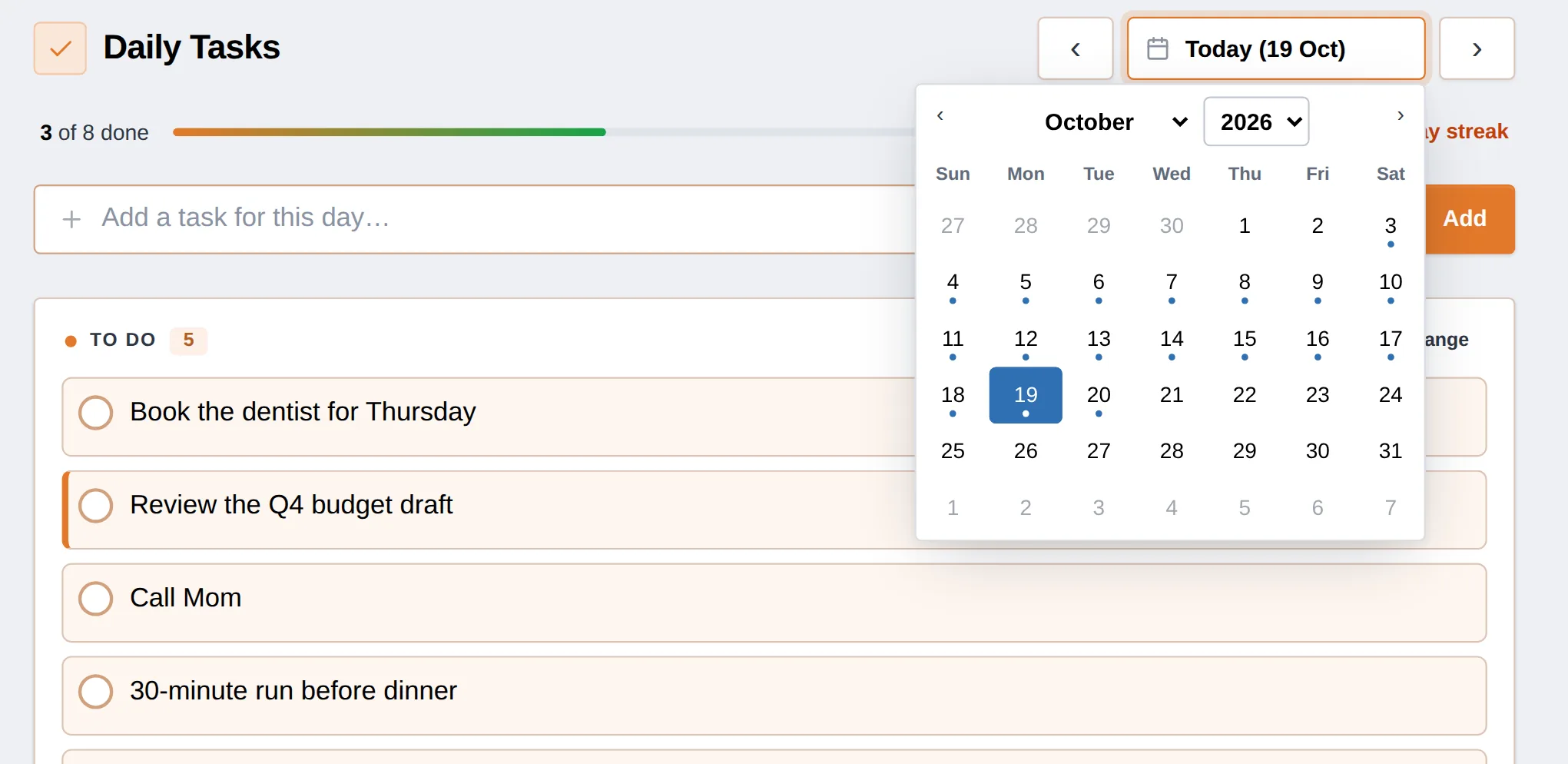
Click the date to open the calendar and pick any day, this week or next month. Dots mark the days that already have tasks.
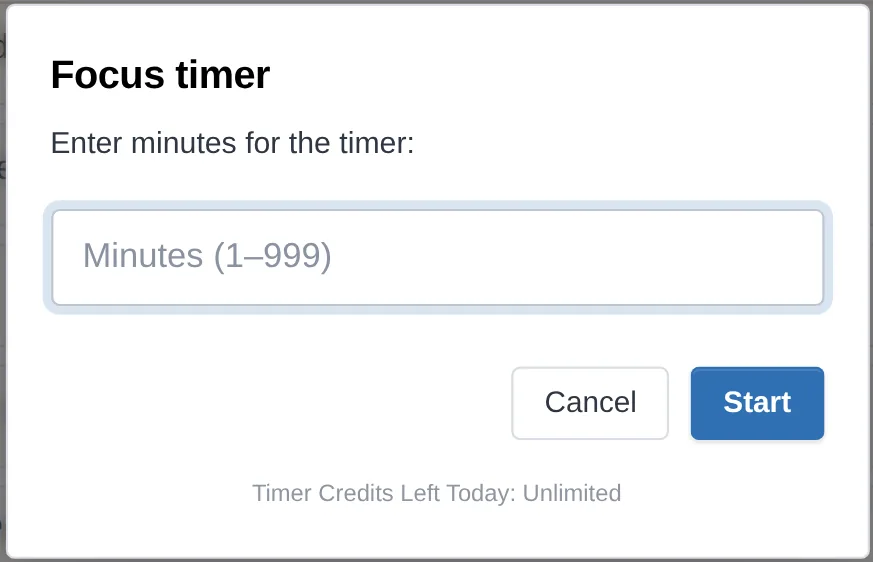
Set 25 minutes for a Pomodoro or anything from 1 to 999. Free accounts get 5 timers a day; Pro has no limit.
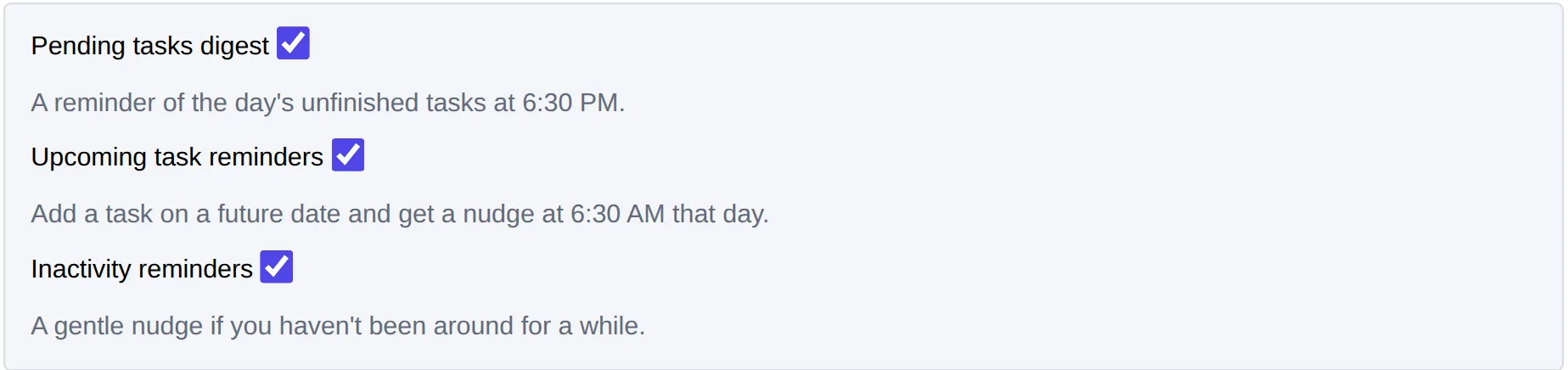
An evening digest of open tasks at 6:30 PM, a morning heads-up for tasks you planned ahead, and a nudge if you've been away. Each one has its own switch.
Switch on Carry over tasks and anything still pending at midnight in your time zone is copied to the next day with a D2|: prefix, so nothing slips quietly. Pro also removes the daily limits and adds monthly goals, for $14.97 a year.
See what Pro includesRytePad has no hourly time slots, appointments, repeating tasks or calendar sync. If your day is built around meetings, keep those in your calendar and use RytePad for the list of things you want to get done.
Tasks belong to the day you add them to. On Pro, carry-over copies the unfinished ones forward for you.
Yes. The free plan has no time limit and includes 25 tasks a day, 5 focus timers a day, long-term goals and a private diary. Pro is $14.97 a year: it removes the daily limits, adds monthly goals and carries unfinished tasks over to the next day.
Yes. Use the arrows next to the date, or open the calendar and add tasks to any future day. Dots on the calendar show which days already have tasks, and an optional email reminds you on the morning of a task you planned ahead.
No. RytePad plans by the day: each date has its own list, without time slots. Many people keep meetings in their calendar and use RytePad for what they want to get done, with the focus timer for deep-work blocks.
No. RytePad doesn't connect to other calendars. Your tasks, goals and diary stay in your RytePad account, encrypted, and you can reach them from any browser.
Yes. RytePad runs in the browser on phones, tablets and computers, with the same account everywhere. Add rytepad.com/app to your home screen for one-tap access. There is no app to install from an app store.
They stay on their day, so you can see what slipped. On Pro, Carry over tasks copies pending tasks to the next day at midnight in your time zone with a D2|: prefix, for up to ten days.
Guides and comparisons, plus the parts of RytePad the planner is built on. The pricing page has the Free vs Pro table.
Free, private and ready in under a minute. No card, no time limit.