
The 10 Best Free Journal Apps (Tested & Ranked)
Every app here has a real free plan, not a 7-day trial in disguise. We tried them all and ranked them on what matters: how much you get for free, how private your entries are, and whether you will still be writing next month.
RytePad is the best free journal app for most people: unlimited encrypted entries with no catch, on any device, plus tasks, goals and notes in the same free account. Apple Journal is the most private free option if you use iPhone, iPad or Mac, and Journey is the best free pick for photo-rich entries across platforms.
"Free" is a slippery word here: some apps give you a forever-free journal, others a single journal on one device and a paywall. Every app on this list has a free plan you could realistically journal on for years, judged on generosity, privacy, platforms and whether it helps the habit stick.
The short version
The 10 best free journal apps compared
| App | Best for | Platforms | Free plan |
|---|---|---|---|
| 1. RytePad↓ | All-in-one private journaling | Web (all devices) | Very generous |
| 2. Apple Journal↓ | Private, effortless (Apple) | iPhone · iPad · Mac | Fully free |
| 3. Journey↓ | Photos and cross-platform | Web · iOS · Android · Desktop | Basic |
| 4. Diarly↓ | Elegant Apple writing | iOS · Mac | Generous |
| 5. Daylio↓ | Mood tracking, no typing | iOS · Android | Good (ads) |
| 6. Day One↓ | Premium multimedia journaling | Apple · Android · Windows · Web | 1 photo per entry, 1 device |
| 7. Penzu↓ | Classic online diary feel | Web · iOS · Android | 1 journal |
| 8. Journal it!↓ | Journaling + light planning | Android · iOS · Windows | Good |
| 9. Stoic↓ | Guided prompts and reflection | iOS · Android · Mac | Limited |
| 10. Simplenote↓ | Plain-text minimalism | Web · all platforms | Fully free |
"Free plan" describes what you can keep using indefinitely without paying, as published by each vendor at the time of writing.
Which free journal app fits you?
Tap what matters most and get an instant pick.
The 10 best free journal apps
Each entry opens with a free-plan verdict, then says exactly what you get and where the limits are.
RytePadBest free journal app
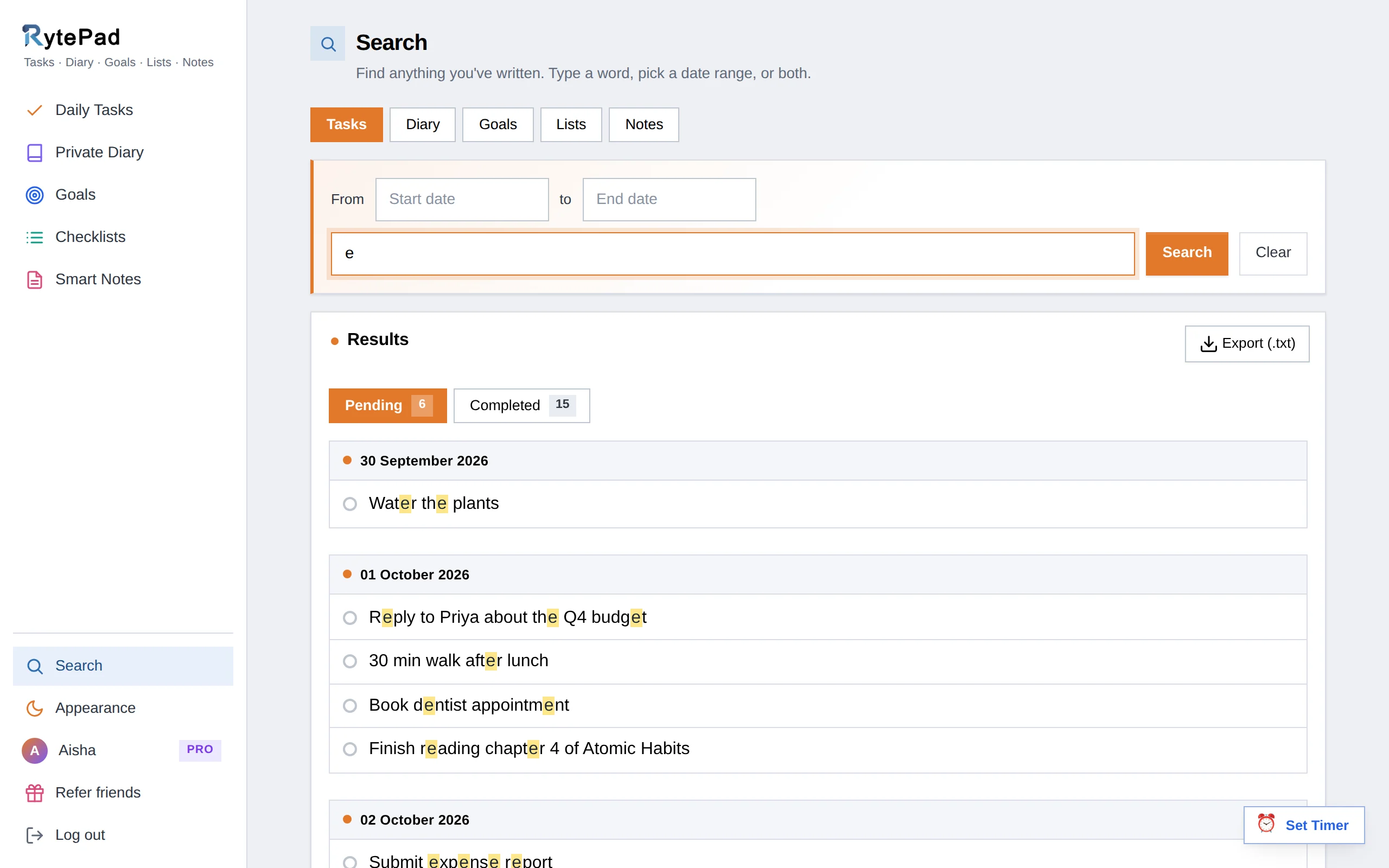
Most "free" journals ration your entries. RytePad does not: its diary gives you unlimited timestamped entries free, with formatting, several entries a day, up to 20,000 characters each and calendar dots for every day you wrote, and every entry is stored encrypted with AES-256 on the free plan, something most rivals reserve for paid tiers.
Then it goes further than a journal, wrapping in a task manager, goals, checklists and notes so your reflection sits beside the rest of your day. It runs in any browser, so there is nothing to install and no Apple-or-Android question.
The honest catch: RytePad is text-first, so there are no photos, audio or maps inside entries, and it is a web app with no offline mode. If your journal is really a photo scrapbook, Journey or Day One will feel richer.
But for private writing you will actually keep up, it is the most generous free plan here.
- Unlimited encrypted entries
- Tasks, goals, checklists and notes too
- Works on any device, nothing to install
- One search across everything
- No photos, audio or maps
- No offline mode
- Web app, no native apps
Disclosure: RytePad is our own product. We rank it where we believe it belongs and the caveats above are real; the other nine entries are apps we use and recommend on their merits.
Your private journal, free forever
Unlimited encrypted entries, plus tasks and goals in the same place. No trial, no card.
Apple's Journal app is free with zero upsells and end-to-end encrypted by default. It nudges you with smart suggestions from your photos, workouts and places, which makes it effortless to start, and it now runs on iPad and Mac as well as iPhone.
The honest catch: no Android or web app, and it is basic on organisation and export.
- End-to-end encryption by default
- Smart, context-aware prompts
- No upsells at all
- Apple devices only
- Basic organisation and export
Journey is the best free option if you want photos in your entries and sync across every kind of device. The free tier covers everyday multimedia journaling with a clean, modern design that feels a lot like Day One without the Apple lock-in.
The honest catch: coaching programs, cloud sync limits and some exports need the Membership ($6.99 a month or $49.99 a year), and end-to-end encryption applies only when you use Journey Cloud sync.
- Photo-rich entries
- Real cross-platform sync
- Clean, modern design
- Best features are paid
- End-to-end encryption only with Cloud sync
Diarly is a beautiful, lightweight Apple journal whose free tier is usable for daily writing, with markdown, a calm interface and local-first storage. It is a lovely middle ground for Apple users who find Day One heavy.
The honest catch: Apple-only, and passcode locks, multiple journals and cloud sync sit on the paid plan.
- Beautiful writing experience
- Markdown and local-first privacy
- Usable, not a trial
- Apple ecosystem only
- Locks and sync are paid
Daylio is a micro-journal: tap your mood and activities, add an optional line, done in seconds. The free plan builds useful mood statistics over time, perfect for keeping a streak when a blank page feels like too much.
The honest catch: it is mobile-only, ad-supported on free, and not built for long-form reflection.
- 15-second entries
- Mood and habit statistics
- Great for building a streak
- Ads on the free plan
- Not for long-form writing
The best free journal is not the one with the most features. It is the one you will still open in three months.
Day One is the most polished journaling app ever made, and its free Basic plan now allows unlimited journals and entries with end-to-end encryption included. On one device, with one photo per entry, it is a fine place to start.
The honest catch: syncing across devices, 30 photos or videos per entry and audio need Silver at $49.99 a year (Gold with AI features is $74.99), with no monthly option. We list swaps in our Day One alternatives guide.
- Unlimited journals and entries
- End-to-end encryption, free included
- Best-in-class design
- One device and one photo per entry on free
- Sync starts at $49.99 a year
Penzu is the classic online diary, with a paper-journal look, prompts and a private-by-default feel. The free plan gives you a single journal that is fine for getting started.
The honest catch: the interface feels dated, and stronger encryption plus extras are paywalled from $19.99 a year. We compare it fully in RytePad vs Penzu and list options in Penzu alternatives.
- Classic-diary feel
- Writing prompts
- Web plus mobile apps
- Dated interface
- Strong encryption is paid
Journal it! blends diary entries with mood tracking, goals and habits, and its Android experience is excellent. The free plan covers photos, tags and a passcode lock.
The honest catch: the many modes can feel cluttered, and the most powerful features need premium.
- Diary plus goals and habits
- Photos, tags, passcode lock
- Great on Android
- Interface can feel busy
- Best features need premium
Stoic pairs journaling with mood check-ins and thoughtful guided prompts drawn from stoic philosophy, ideal if you never know what to write. The free plan lets you sample the daily prompts and basic tracking.
The honest catch: the full prompt library, exercises and insights are behind a subscription, so free is fairly limited.
- Guided daily prompts
- Mood check-ins
- Calm, reflective design
- Most content is paid
- Free tier is thin
Simplenote is not a journal app, but many people use it as one: it is completely free, fast and distraction-free, with tags, instant sync and version history. Make a "Journal" note or one per day and you are set. It also features in our best online notepads guide.
The honest catch: plain text only, with no photos, prompts, mood tracking, journal structure or encryption.
- 100% free, no upsells
- Fast, distraction-free writing
- Version history and sync
- Plain text only
- No journal features or encryption
How to pick (in 15 seconds)
- Privacy matters most: Apple Journal (Apple devices) or RytePad (any device, encrypted free).
- You want photos and memories: Journey (free, cross-platform) or Day One (one device free).
- You do not like writing much: Daylio for mood tapping.
- You need prompts to start: Stoic.
- You want journaling plus your whole day: RytePad, diary plus tasks and goals.
Keep reading: See our wider best online diary apps roundup, learn the habit with how to start a daily journal, or plan your whole day with the best daily planner apps. Switching from a paid app? Read Day One alternatives.
Free journal apps: your questions answered
What is the best free journal app?
For most people, RytePad is the best free journal app: unlimited encrypted entries plus tasks and goals on a free plan with no time limit, on any device. If you are on Apple devices and want maximum privacy, Apple Journal is free and end-to-end encrypted. For photo-rich memories, Journey's free tier is the pick.
Are free journal apps actually private?
It varies, so check before you trust one with personal entries. Apple Journal and Day One are end-to-end encrypted by default, and RytePad encrypts everything with AES-256 even on its free plan. Others secure data in transit but reserve their strongest privacy for paid tiers, and a few (like plain-text Simplenote) are not encrypted for privacy at all.
Is there a truly free journal app with no limits?
Yes. RytePad gives unlimited diary entries free, Apple Journal is completely free on Apple devices, and Simplenote is 100% free for plain-text journaling. Day One now allows unlimited entries free but on one device only, and Penzu limits the free tier to a single journal.
Which free journal app works on both iPhone and Android?
RytePad works on any device through the browser, and Journey, Day One and Journal it! have apps on both iPhone and Android. Apple Journal and Diarly are Apple-only, so skip those if you switch between platforms.
Do I need a paid journal app, or is free enough?
Free is enough for most people. You would only pay for things like multi-device sync in Day One, unlimited photo storage, or advanced prompt libraries. If you want an all-in-one free plan that also handles tasks and goals, RytePad covers it without a subscription, with an optional $14.97-a-year upgrade.
Can a journal app help me actually stick with journaling?
The right one can. Reminders, prompts, mood tracking and a fast entry flow all lower the friction that breaks the habit. Apps that tie journaling to the rest of your day (like RytePad, which sits beside your tasks and goals) make it easier to remember. Our guide to starting a daily journal has more tactics.
The bottom line
If you are on Apple devices and privacy is everything, start with Apple Journal: free and end-to-end encrypted. If you want photos and memories across devices, Journey's free tier wins. But for the most generous free plan overall, a private, encrypted diary with unlimited entries that also handles your tasks and goals, RytePad is our top free pick. Just remember it is text-first, so choose a multimedia app if photos are the whole point. Whichever you pick, the best journal is the one you keep open, so start free today and find out.
Start your free journal in under a minute
Unlimited encrypted entries, plus tasks and goals when you want them. No trial countdown.
Try RytePad free →Free plan with no time limit · No card · Works in any browser