
Timestamped entries for each day, formatting when you want it, and encryption before anything is stored. Write a line or a page, then find it again months later.
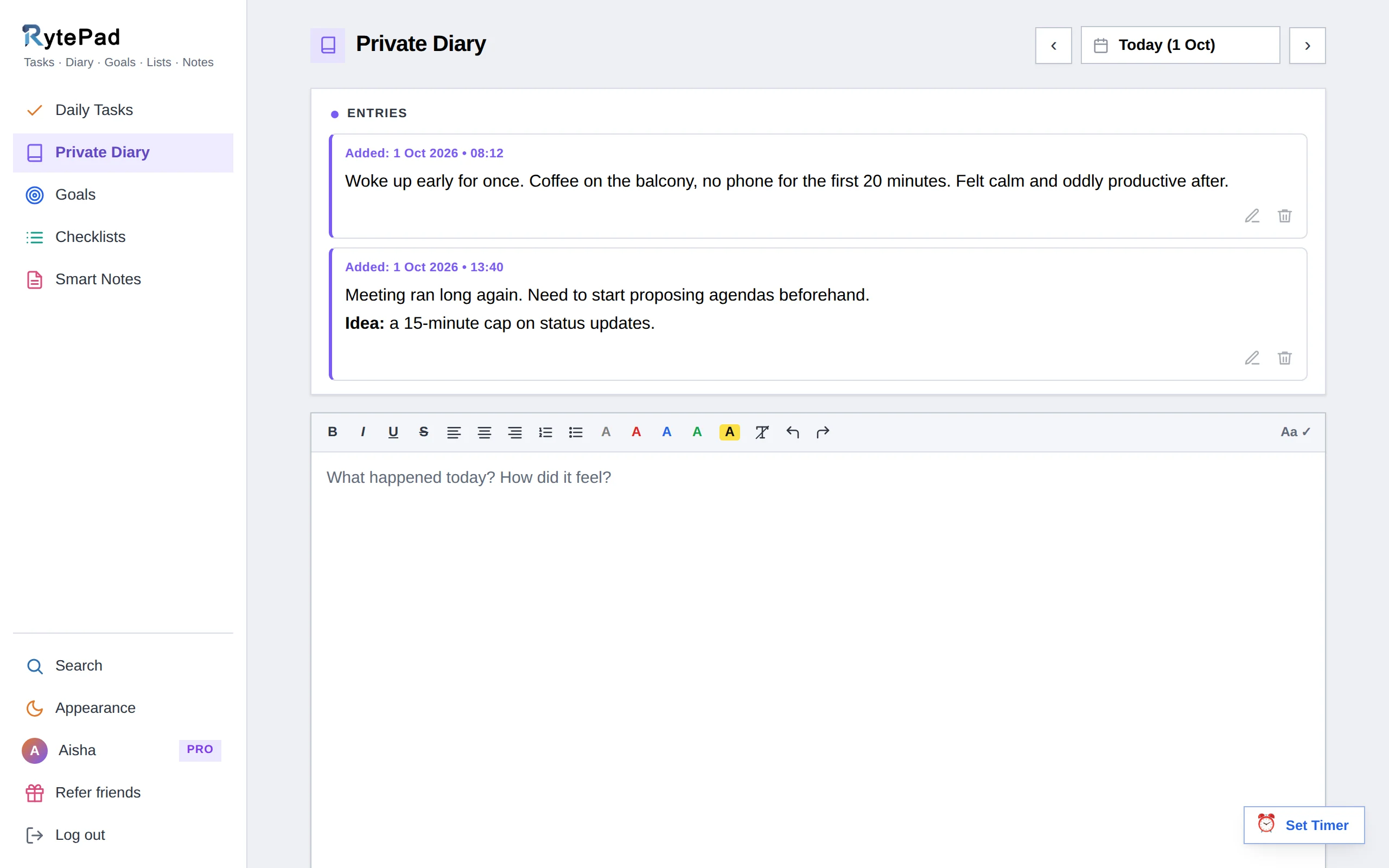
A paper diary is private but hard to search. Most note apps are searchable but not really private. RytePad's diary is both: every entry is encrypted before it reaches the database, and every entry can be found again by a word or a date.
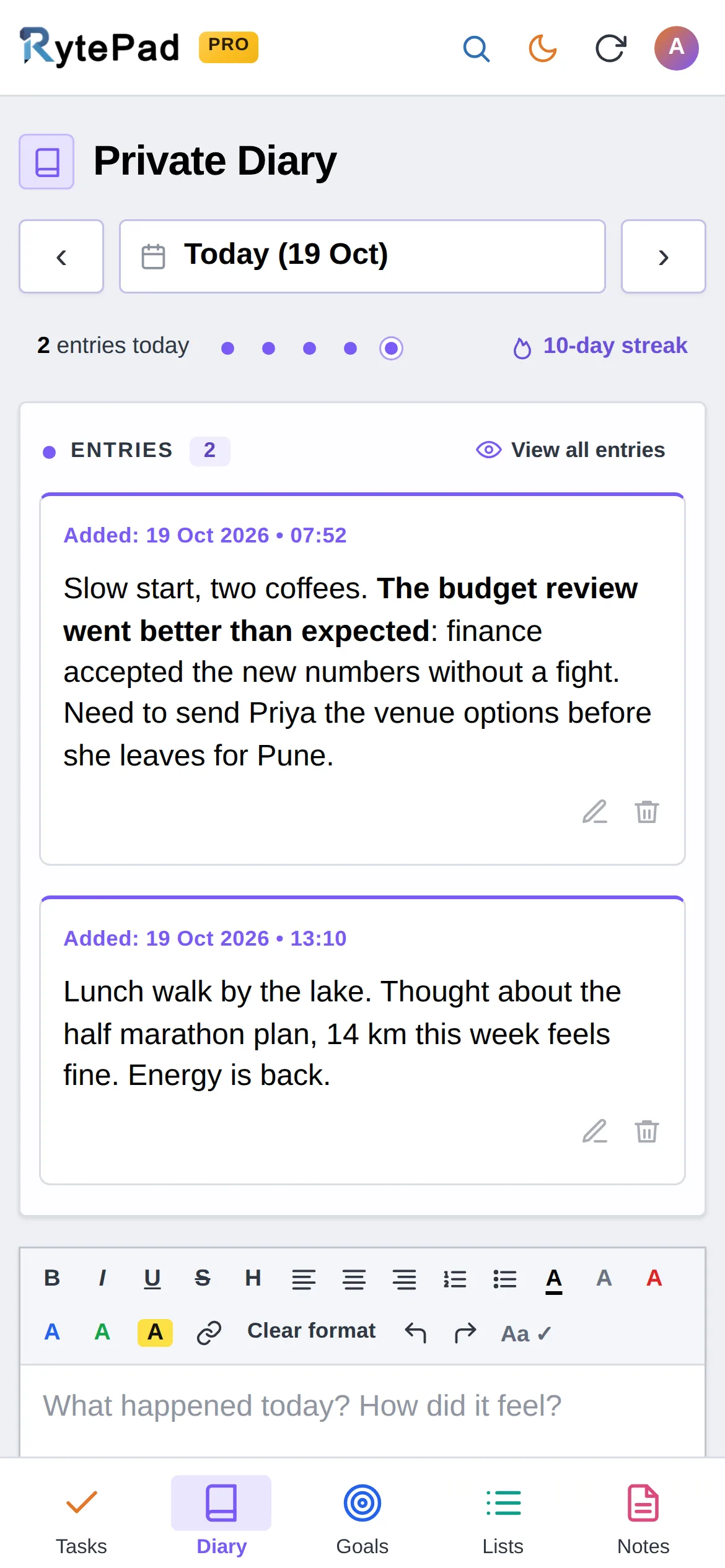
It sits next to your tasks and goals, so writing a line about the day takes a moment, not a separate app. A streak counts the days in a row you wrote something, which turns out to be most of the habit. Stuck for something to write? Start with one of our 110 journal prompts.
The diary opens on today. Step back with the arrows or jump anywhere with the calendar; dots mark the days with entries.
The toolbar has bold, italic, underline, strikethrough, a heading, alignment, numbered and bulleted lists, text colours, a highlight and links. An entry can hold 25,000 characters; a counter under the editor shows characters and words.
It is saved with the time it was written. Write several entries in one day if you like, a morning line and an evening one, say: 4 a day on the free plan, unlimited on Pro.
Edit or delete any entry later. View all entries reads everything you have ever written, newest day first, and Search finds entries by a word, a date range or both.
What you type is encrypted before it is written to the database and decrypted only for you, when you are logged in. Even a copy of the database shows nothing readable, and there is no admin screen that can display an entry.
Read the privacy policyYes. Entries are encrypted with AES-256 before they are stored and sent only over HTTPS. There is no admin screen that can display your content, and RytePad shows no ads and sells no data.
Yes: up to 4 a day on the free plan, as many as you like on Pro. Each entry is timestamped and listed in order under the day.
Yes, at any time. Deleting is permanent and is always confirmed first.
A single entry can hold 25,000 characters on both plans. The counter under the editor shows characters and words as you write.
On Pro, yes. Open Search, choose the Diary tab, set a date range with the word left empty, and click Export to download the results as a text file.
Five tools, one login, one search across all of them. The pricing page has the Free vs Pro table.
Free, private, and ready in under a minute. No card, no time limit.